
 Download OnStream
If you searched OnStream and felt like you opened three tabs and got three totally different answers… you’re not imagining it. “OnStream” is used by multiple apps and services, and some of them are legit discovery tools while others are “free movies” streaming apps with murky licensing.
In this guide, I’ll help you figure out which OnStream you’re looking at, what it actually does, how people use OnStream streaming on phones and laptops, and the real-world safety and legal considerations you should know before you hit any download button.
Why “OnStream” means different things online
Here’s the core problem: OnStream isn’t one single brand. It’s a name used by unrelated products, so search results often mix them together.
1) Onstream: Movies & TV Shows (a movie discovery companion)
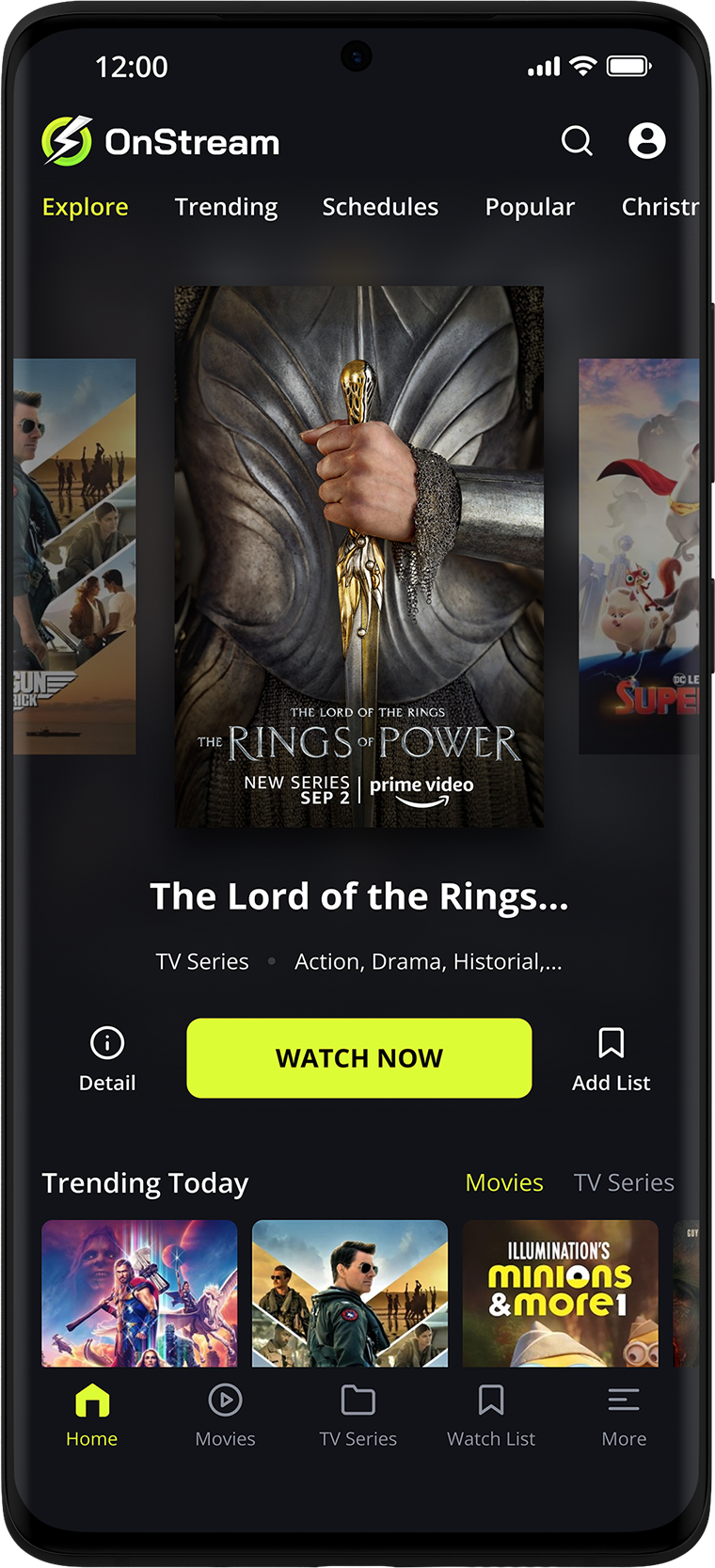
There’s an “Onstream: Movies & TV Shows” app on major app stores that positions itself as a movie/series discovery and planning tool—think recommendations, watchlists, trivia, and showtime discovery, not necessarily a place that hosts movies.
You’ll see features like:
- AI-based recommendations
- Watchlists and planning tools
- Details like cast, ratings, trailers
- Notes about using third-party movie databases for metadata
2) DISH OnStream (campus live TV via browser)
In student housing/residential networks, DISH OnStream is a service that lets students stream live TV in a campus environment—often via a web browser at a specific site, and sometimes with supported TV devices.
Key tell: it’s frequently tied to campus Wi-Fi and may work only on approved networks.
3) OnStream APK-style “free movies” apps and mirror sites
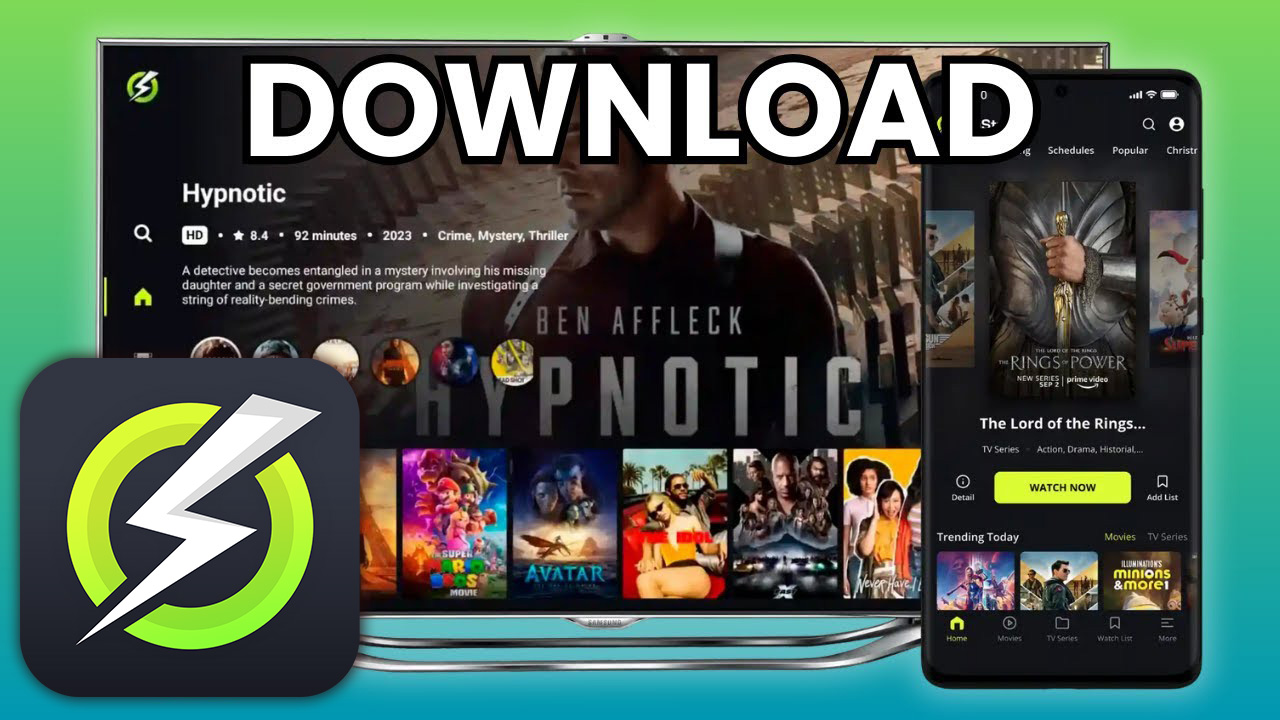
Then there’s the version most people mean when they type things like onstream free movies or onstream download: an “OnStream APK” ecosystem promoted on many sites claiming:
- No subscription
- No registration / no login
- Free HD movies and TV shows
The catch is obvious: if a random app gives you premium content for free, licensing is the big unanswered question. Even reviewers who cover it openly say they can’t verify licensing and warn about imposters.
Quick comparison table (so you don’t mix them up)
| “OnStream” you found | What it’s for | Where it runs | Login? | Main risk |
|---|---|---|---|---|
| Onstream: Movies & TV Shows | Discover, plan, track movies/series | Android (app stores), iOS (app stores) | Often optional for saving data | Low—typical app privacy/permissions |
| DISH OnStream (campus) | Live TV streaming for students | Web browser + some devices | Live TV may not need login; DVR may use an account | Limited to approved networks; service availability |
| OnStream APK “free movies” | Streaming/downloading movies/shows | Android/TV boxes; sometimes via emulators | Often claims “no login” | Licensing uncertainty + impersonation/malware risk |
Voice-search friendly answers (People also ask)
What is OnStream & how does it work?
OnStream can refer to different products: a movie-discovery app, a campus live-TV service, or an unofficial “free movies” APK. It works either by recommending titles, streaming campus channels via browser, or pulling video links from unknown sources.
What is OnStream app?
The “Onstream: Movies & TV Shows” app on major app stores focuses on finding and organizing what to watch—recommendations, watchlists, trailers, and showtimes—rather than clearly positioning itself as a content-hosting streaming platform.
Is OnStream free?
Some OnStream-branded apps are free to download, and campus OnStream access is usually included with housing/network services. Unofficial “free movies” OnStream APKs also claim to be free—but “free” doesn’t answer whether content is licensed.
Is OnStream legal?
It depends on which OnStream you mean. Campus OnStream is a licensed service. Movie-discovery apps are typically legal. For “free movies” APKs, licensing can’t be easily verified; streaming copyrighted content without permission may be illegal in your country.
If you’re searching “onstream download”: a safer decision checklist
Let’s be real: when most people type onstream download, they’re looking for a quick install and instant playback. But this is also where scams love to live.
Use this checklist before downloading anything:
- Identify which OnStream you mean
- App-store “Onstream: Movies & TV Shows”?
- Campus DISH OnStream?
- A site pushing an APK with “free HD movies”?
- Prefer official app stores when possible
- It’s not a guarantee, but it cuts down on fake installers and drive-by malware.
- Verify the publisher/developer name and update history
- Look for a clear “About this app” section, a consistent developer name, and a normal update pattern.
- Be extra skeptical of “official download” claims on random domains
- There are many “imposter” pages that ride popular names to push unsafe files.
- Don’t confuse “no login” with “no risk”
- Not needing an account can be convenient—and it can make it harder to know who’s operating the service.
Expert take (fictional): “When an app’s developer identity is unclear, your real cost might be privacy—device identifiers, tracking, or risky permissions—rather than money.” — Dr. Maya Reynolds, Mobile Security Researcher
OnStream on PC and laptop: what actually works
A lot of searches like onstream pc or onstream for laptop come down to this: “Can I watch on a bigger screen without headaches?”
Option A: Use the web (best for campus DISH OnStream)
Campus OnStream is designed for browser use. Some universities instruct students to connect to the campus residential network and stream through a website in Chrome or another modern browser.
Option B: Use an emulator (common for Android apps on Windows/macOS)
Some platforms describe running OnStream on PC via an Android emulator. That said, emulator convenience doesn’t fix licensing concerns—so treat this as a technical possibility, not a legal green light.
Option C: Cast from phone to TV (low effort, fewer installs)
If the app you’re using supports casting, this is usually the least messy approach:
- Fewer device installs
- Easier to remove later
- Less tinkering than sideloading on TV sticks
OnStream login: do you need an account?
This is another “depends which OnStream” moment:
- Campus DISH OnStream: live TV can work without login, but DVR features may use an account so your recordings stay associated with you.
- Movie discovery apps: logins are often optional, mainly for syncing watchlists across devices.
- Free-movies APK versions: many claim “no login” as a feature, but that doesn’t tell you who runs the back end.
Here’s how users typically describe it (and yes, this vibe shows up a lot):
“No login, no ads, and it just plays—almost too good to be true.” — StreamSeeker88
“Search is fast, subtitles are solid, but I don’t love how many fake ‘official’ sites exist.” — NinaK_Tech
“It works on my TV, but I’m always worried one update will break it.” — CalebWritesCode
Safety and privacy: the practical risks people ignore
If you only remember one thing, make it this: “Free” streaming apps are a hotspot for clones.
Common red flags:
- The download page is stuffed with pop-ups and “clean your phone” ads
- The site pushes you to install a “downloader” or “installer” first
- You’re asked for suspicious permissions (contacts, SMS, accessibility)
- The app brand name is slightly misspelled (OnStreem, Onstriam, etc.)
Many safety guides warn that imposters may bundle malware and advise avoiding unofficial lookalikes.
Expert take (fictional): “If the service can’t clearly explain where content rights come from, assume you’re the one holding the risk—whether that’s malware exposure or a copyright complaint.” — Ethan Park, Digital Media & IP Attorney
Want “free streaming” without the grey area? Try these instead
If your goal is simply onstream streaming as in “watch something tonight without paying,” you do have legal paths:
- Ad-supported free streaming services (availability varies by region)
- Public-domain film libraries
- Library-based streaming (some regions offer apps that work with a library card)
This route is boring in the best way: fewer sketchy downloads, fewer fake sites, and way less “why is my TV acting weird now?”
Expert take (fictional): “Users don’t actually want ‘free at all costs’—they want low-friction. Legal free platforms win when they’re faster than the risky option.” — Sofia Alvarez, Streaming Product Strategist
Conclusion
OnStream is a classic internet puzzle: one keyword, multiple products, wildly different trust levels. If you’re looking for a legit experience, first confirm whether you mean the movie-discovery app, campus DISH OnStream, or an OnStream APK promoted as free movies.
If you want a simple next step: stick with official sources when possible, avoid lookalike download sites, and choose legal streaming options when content licensing isn’t clear. Your future self (and your device) will thank you.
FAQ
1) Why do I see so many different OnStream websites?
Because “OnStream” is used by different services and lots of unofficial sites copy the name. That creates search-result chaos and makes it easy to land on imposters. Cross-check the product type (campus vs app store vs APK site).
2) Can I use OnStream online watch in a browser?
If you mean campus DISH OnStream, yes—many schools support streaming via browser on approved networks. If you mean APK-style OnStream, browser support varies and may involve risky mirror sites.
3) Is OnStream available on iPhone?
The movie-discovery “Onstream: Movies & TV Shows” appears on the Apple App Store. Other “OnStream APK” variants are typically Android-focused; iOS installs outside the App Store are much more restricted.
4) Why does OnStream download stop working sometimes?
Unofficial streaming apps often break due to link changes, server issues, domain takedowns, or blocked access on devices. That’s why users report features disappearing or needing new versions more often than normal apps.
5) Does using a VPN make OnStream legal?
A VPN can improve privacy, but it doesn’t change licensing. If content is unlicensed, a VPN doesn’t magically make streaming legal—it just makes your traffic harder to attribute.
6) What’s the safest way to use OnStream on a laptop?
For campus OnStream, use the official browser method your school provides. For app-store Onstream, install from official stores. Avoid random “official download” pages that push installers or pop-up ads.